Mobile CRM 11.1.12
A release where we focus on supporting features already available in the CRM suite, but also bugfixes and wishes.
Pilot program: Get early access to upcoming Mobile CRM features! Join our pilot program to test new updates and share your feedback.
NB: The Release Date mentioned is the date we submit the new version to the App stores. The App stores will typically use one day to update the App stores with the new Mobile CRM version.
Features
Outlook Synchronizer support
Meetings that are synced from Synchronizer now clearly show an information banner indicating that the meeting was created outside of SuperOffice.
Meetings created from external invitations now allow more fields to be edited than before, giving you greater flexibility when updating details in Mobile CRM. In addition, meetings synced from Synchronizer can now only be deleted one week after the meeting date, providing better control over outdated or no‑longer‑relevant entries.
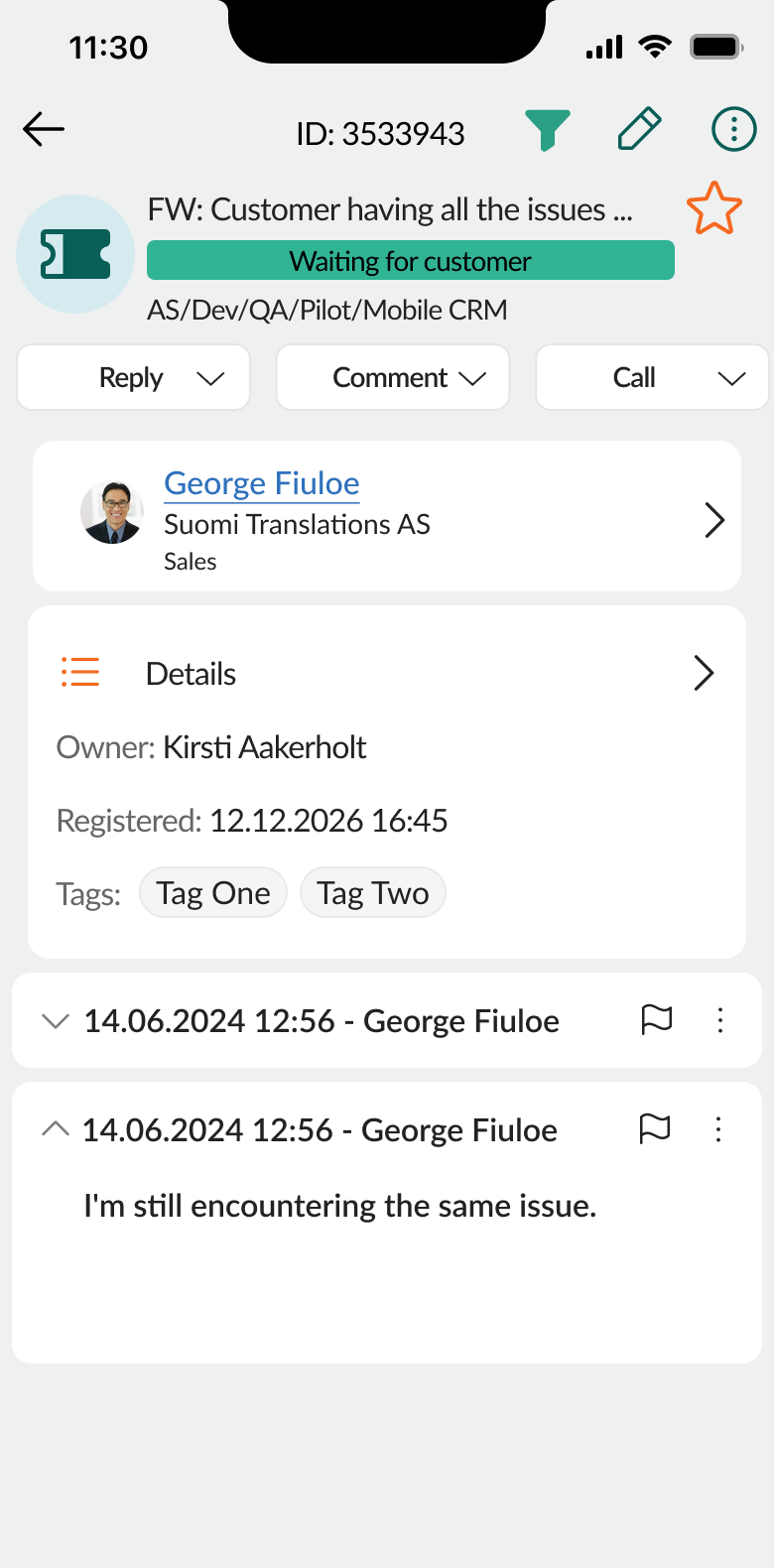
Reply to a single message in Request
You can now reply to a specific message within a request in Mobile CRM, not just the request as a whole.
When replying, you can ensure the response is sent to the relevant contacts, including external contacts who are not registered in SuperOffice CRM. This makes it easier to keep conversations focused and communicate with the right people directly, even when working on the go.
Smaller features
- You can now activate biometric login for login into Mobile CRM.
- Show incoming call identification even when phone is locked/not active.
- Allow moving pluss button, move it to a position of your liking.
Bugfixes:
- Add contact in new sale is not working
- Company cannot be added when creating a new request
- Mobile CRM problem with saving when I miss to enter some mandatory fields.
Products affected:
This is an update that will cover the following products:
- Mobile CRM client for iOS (distributed in Apple App Store)
- Mobile CRM Client for Android (distributed in Google Play)
Requirements:
This is minimum requirements. For latest added functionality you may need latest SuperOffice and an upgraded operating system on your device.
- SuperOffice 9.1 or newer
- Android OS: ver. 9.0 or newer
- iOS: version 15.0 or newer
Details
| Status | Released |
| Product name | Mobile CRM |
| Version | 11.1.12 |
| Released date | 21 May 2026 |